Email Automator
A Gmail-based bulk email system built around safe execution, preview-first confidence, and messy real-world data.
preview-first dispatch
system flowData is normalized and reviewed before the sender's Google identity is used for delivery.
Product context
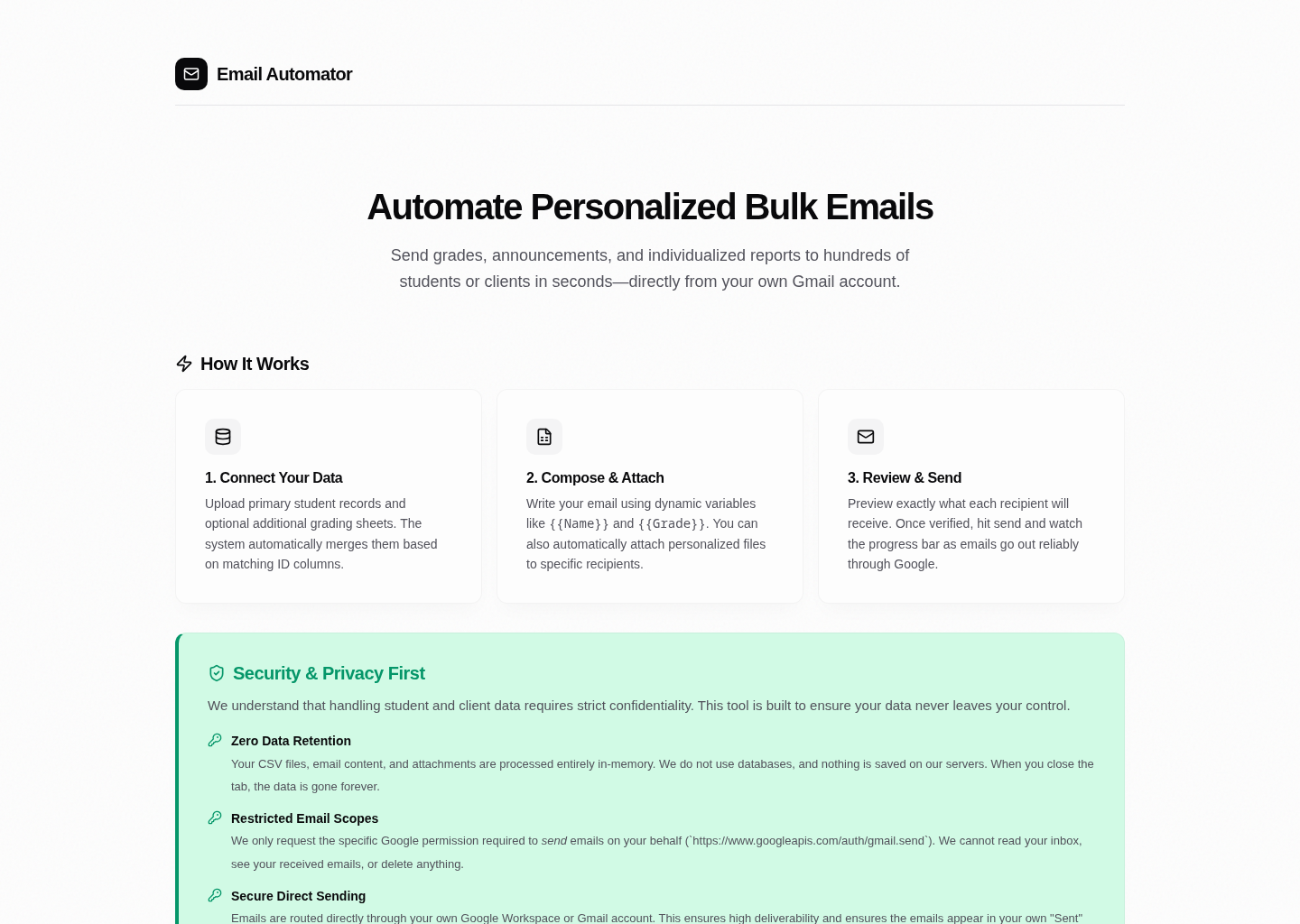
Email Automator is a public Next.js application that helps an operator merge spreadsheet data, render individualized emails, preview intended recipients, and send through a connected Google account. The useful design decision is making a potentially irreversible bulk action reviewable before execution.
Implemented workflow
- NextAuth/Google OAuth gives an authenticated sender access to Gmail's send API.
- The send route assembles MIME content and attachments, then calls Gmail through the sender's delegated token.
- Handlebars templates and spreadsheet joins support personalized content.
- The UI separates data preparation, preview, and sending.
These mechanisms are visible in the repository, rather than merely listed in a feature proposal.
Finding from the October 2026 code review
The public README's zero server retention language is too broad for the current implementation. The separate src/app/api/import/route.ts accepts datasets and writes JSON under .data/imports. Its GET handler reads that stored JSON by identifier, and the deletion line is commented out. No route-level authentication or authorization check appears in the reviewed import route.
I do not describe this as an independently demonstrated exploit. It is a concrete storage, privacy and access-control concern requiring remediation and regression tests. The existence of a secure OAuth send path does not make every input path secure.
What this project demonstrates
The strongest evidence is an inspectable, operator-centered data-to-email workflow with explicit preview and delegated API integration. The next engineering improvement is to decide whether the import bridge should be removed, made genuinely ephemeral, or protected with authenticated ownership and lifecycle controls, then test the chosen behavior.
Status: public application and source code. Import security and retention are unresolved; zero-retention and security-completeness claims should not be made until fixed and tested.